AI Drone Shot
Lift your photo into the air with a sweeping aerial camera move, no drone required.
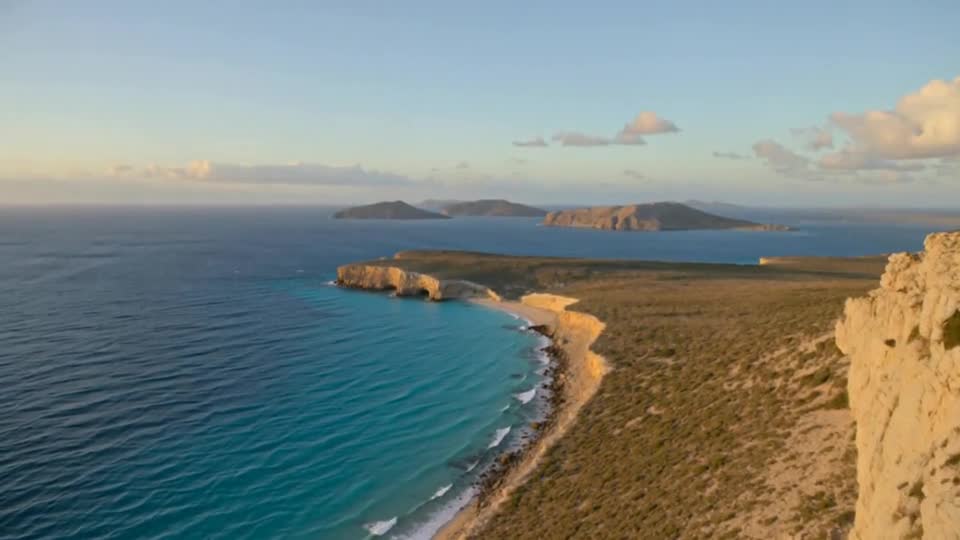
Video generation is not available on Pumio yet. Join the waitlist for a launch notification.
Aerial footage from one picture
AI Drone Shot turns a still photo into a flying camera move. The view rises, glides and reveals more of the surroundings, like footage from a real drone.
It is a quick way to add an establishing shot to a travel reel, a property listing or a short film.
Try AI Drone ShotOutdoor scenes give the best flights
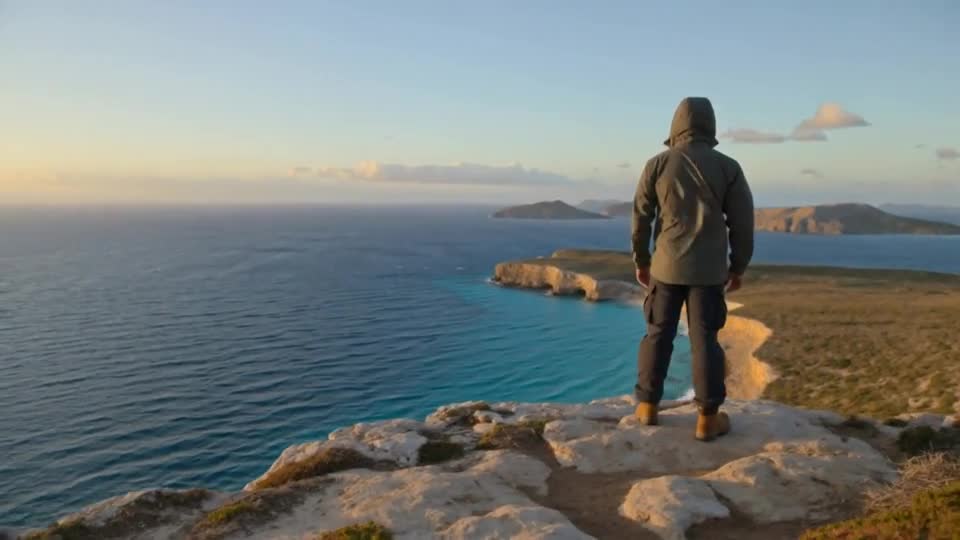
Coastlines, mountain roads, rooftops and open countryside give the camera somewhere to go. Photos taken from a balcony or a hill already have a sense of height to build on.
Describe the path, not just the place
Tell the camera what to do: rise straight up, glide forward over the water or circle the building. One clear instruction keeps the motion stable.
Try: “The camera rises from the harbor and glides forward over the boats toward the old town at sunset.”
How to make a AI Drone Shot video
Three steps from your image to the finished clip.
Upload a landscape
Upload a landscape, building or outdoor scene shot from eye level or above.
Describe the flight path: rising
Describe the flight path: rising, gliding forward or circling.
Generate the clip and check the horizon and edges of the frame
Generate the clip and check the horizon and edges of the frame.
Good to know
- Areas outside the photo are imagined and may not match the real location.
- Strong motion can stretch fine architectural details.
- Indoor photos give the camera little room to fly.
More templates to try
Browse all templates →
AI Drone Shot: questions and answers
Do I need real drone footage?
No. The template starts from a single photo and creates the aerial movement.
Will it show the real surroundings?
No. Anything outside your photo is generated, so it may not match the real place.
What frame shape is used?
The clip keeps the frame shape of your starting photo.
Can I generate this on Pumio now?
Online generation is not open yet. You can preview an image locally and join the optional email waitlist for a launch notification.
Make your own AI Drone Shot video
Upload an image and let the template do the rest.
Try AI Drone Shot