Videos from words, pictures and ready-made effects
Your idea. In motion.
Sign in to write your prompt and choose settings in the workspace. You can review the credit cost before generating.
Text-to-video is available in the workspace. Image-to-video and image templates remain preview only.
Trending templates
Explore camera moves, portrait effects and playful transformations.
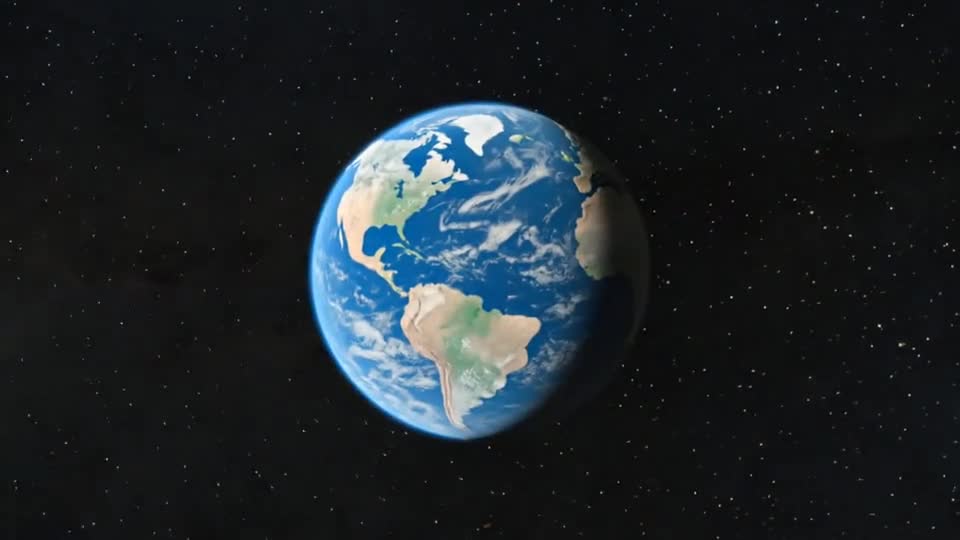
Earth Zoom Out
Start on your subject, then pull the camera back through the sky until the whole planet comes into view.
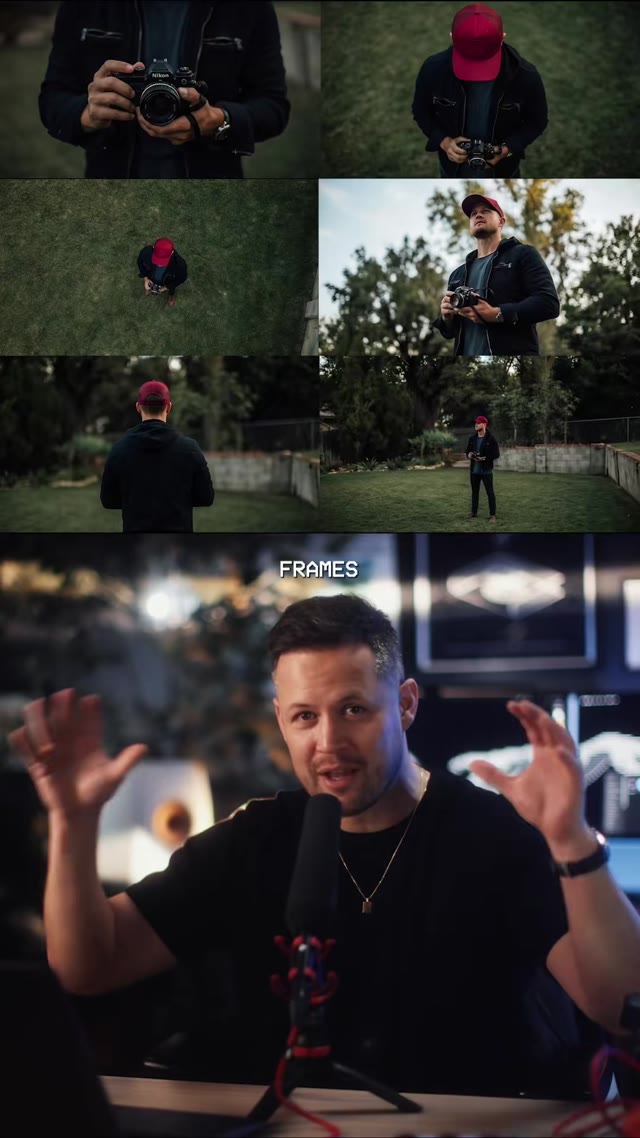
Orbit Shot
Circle the camera around your subject for a smooth, cinematic reveal from a single photo.
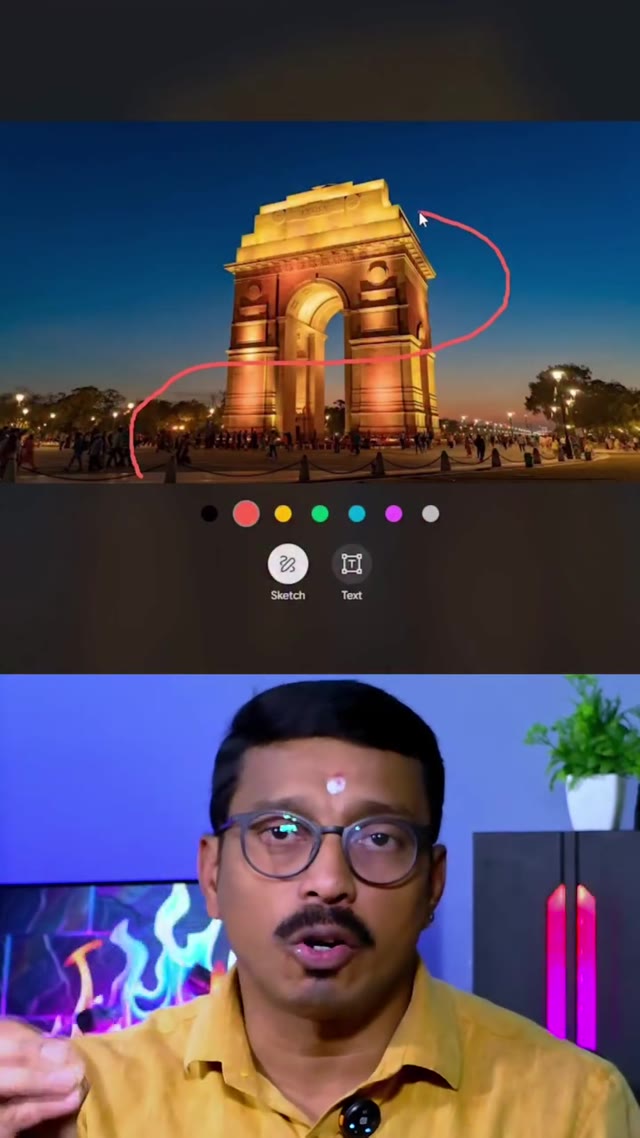
AI Drone Shot
Lift your photo into the air with a sweeping aerial camera move, no drone required.
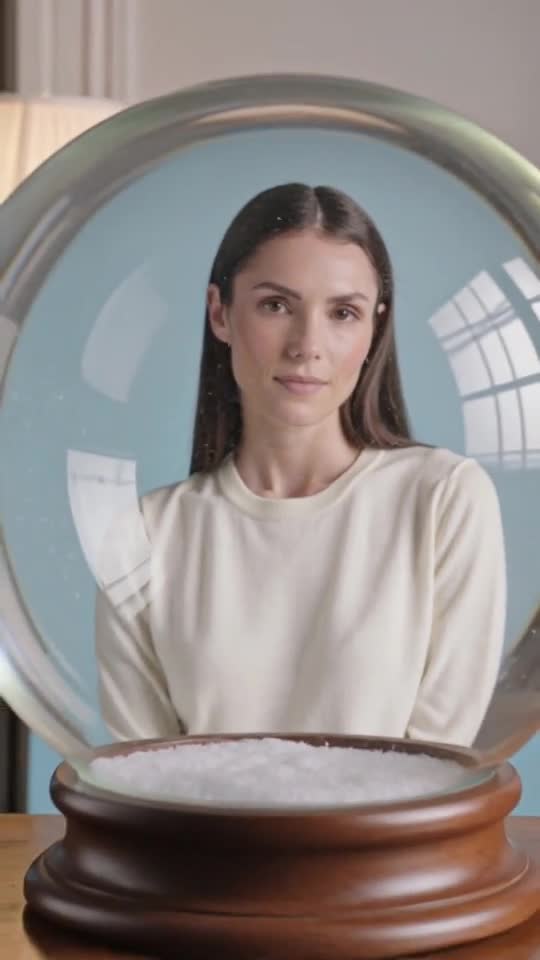
Snow Globe
Place your subject inside a glass snow globe with softly drifting snow — a ready-made winter greeting.
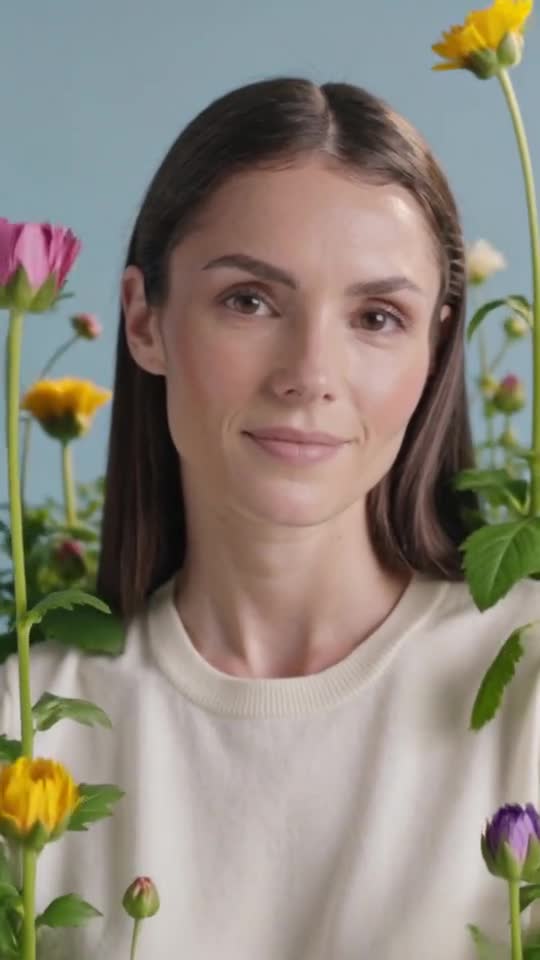
AI Bloom Effect
Watch flowers burst into bloom around your subject in a soft, dreamy transformation.
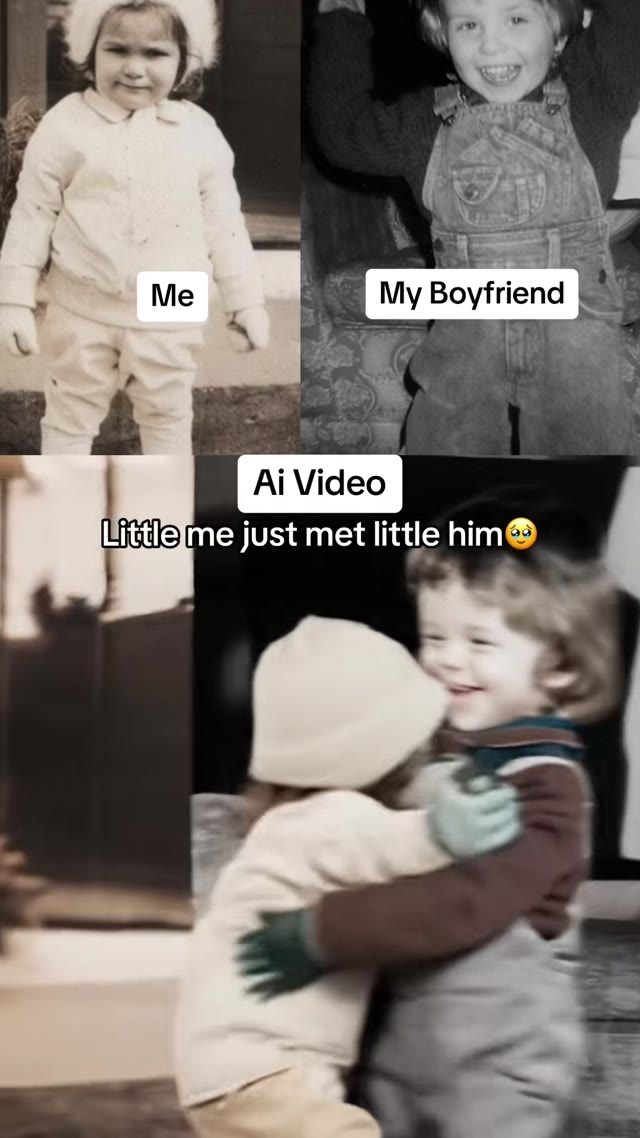
AI Hug
Bring two people in a photo together in a warm, natural hug.
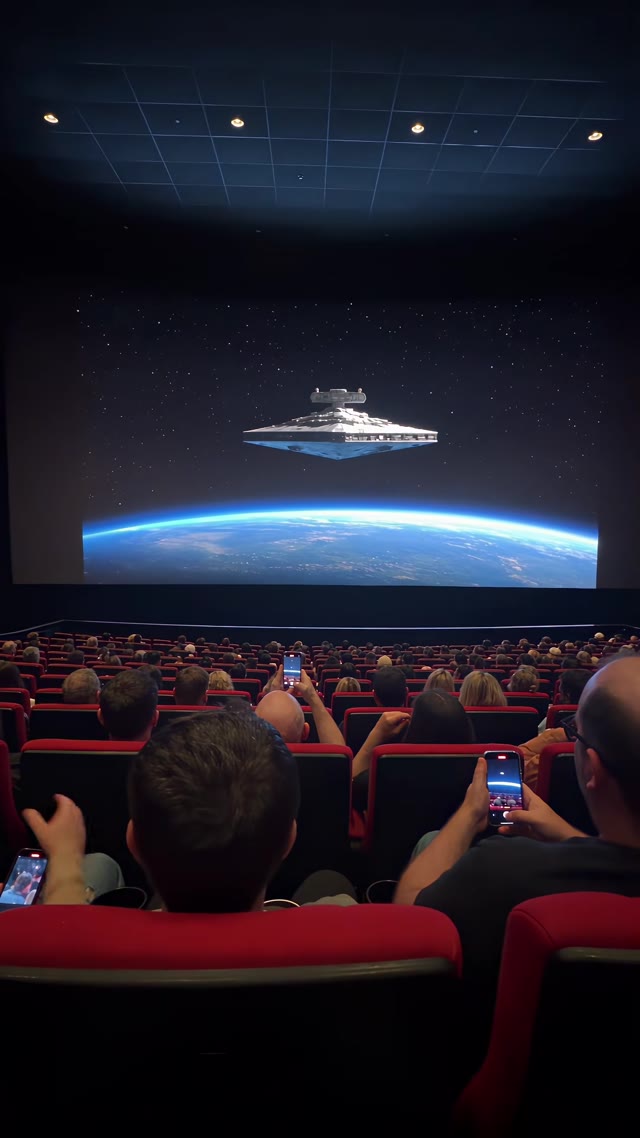
Cinema Breakout
Explore a screen-crossing illusion, with a licensed external reference and a separately planned image-to-video recipe.
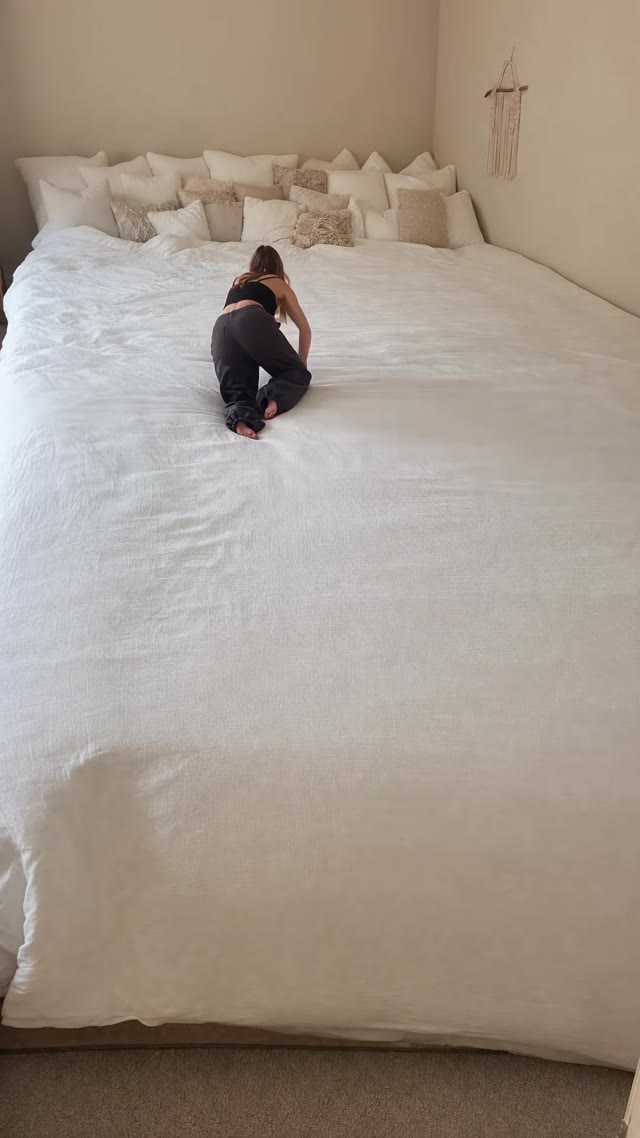
Giant Bed
Shrink your subject onto an enormous, cozy bed for a dreamy, oversized-world scene.
Start with a tool
Two ways to begin: a few words or a single picture.
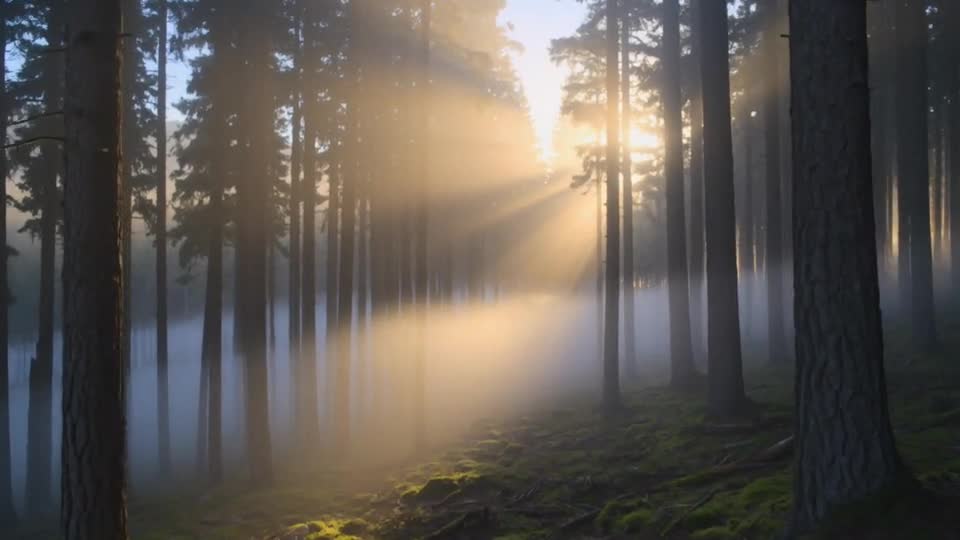
Text to Video AI
Describe a scene in a few words and turn it into a five-second video. Choose a frame shape for every platform.
Start creating →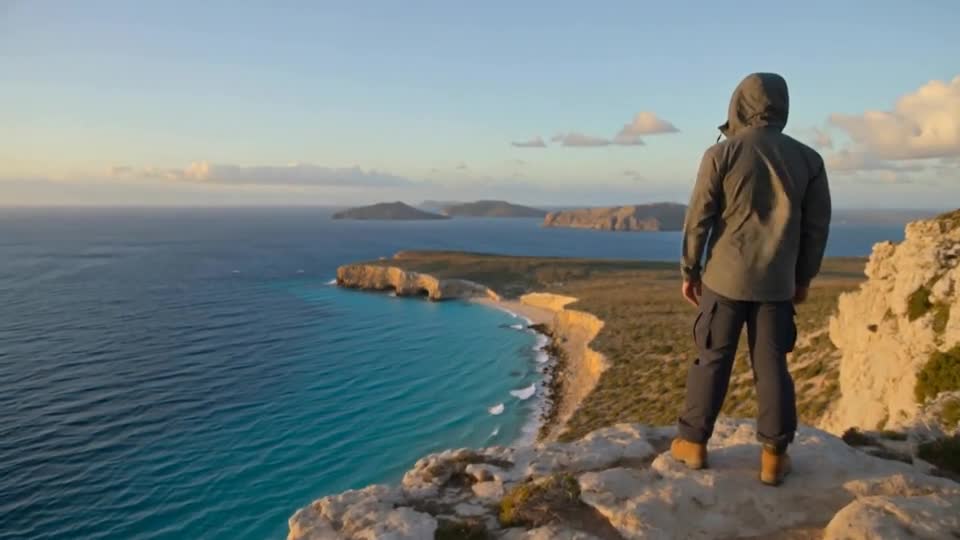
Image to Video AI
Upload a photo and bring it to life with natural motion. Describe what moves, and Pumio does the rest.
Start creating →Explore by style
Camera moves, visual effects and playful transformations.
Three steps to your video
From a blank page to a finished clip.
Pick a starting point
Write a prompt, add an image, or open a template with the settings already in place.
Shape the details
Describe the action and camera movement, then choose a frame shape and clip length.
Generate and download
Review the clip, keep what works and download it for your next post.
Learn the craft
Practical guides on prompts, framing and motion.
 Original illustration
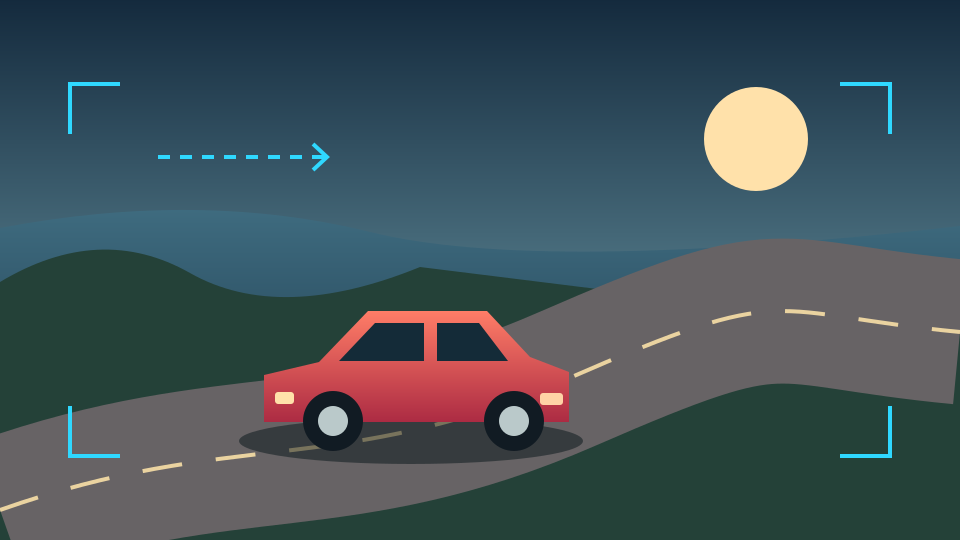
Car driving video prompts: plan one clear shot
An original shot-planning worksheet for camera position, road motion and continuity.
 Original illustration
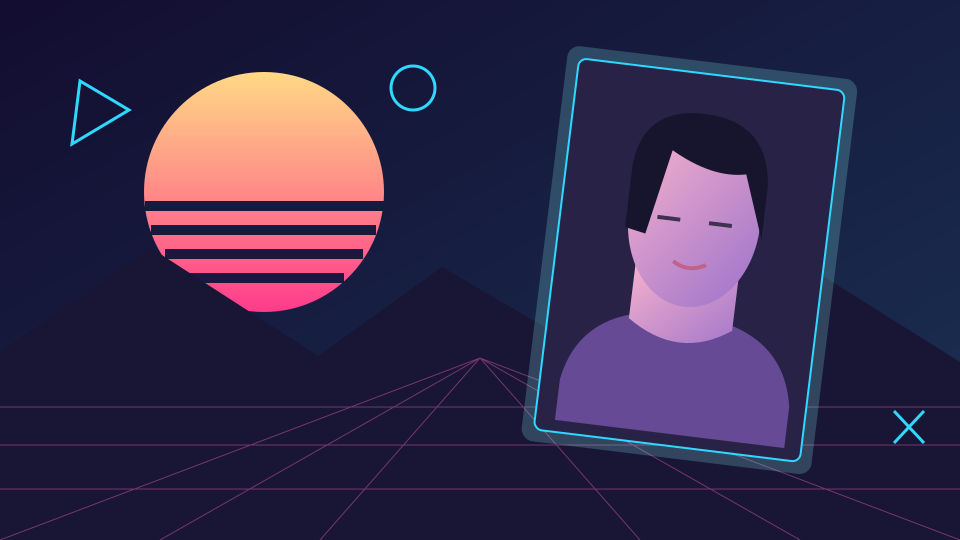
An 80s-inspired image: build a visual brief
Separate color, lighting, wardrobe and texture before writing a retro image prompt.
 Original illustration
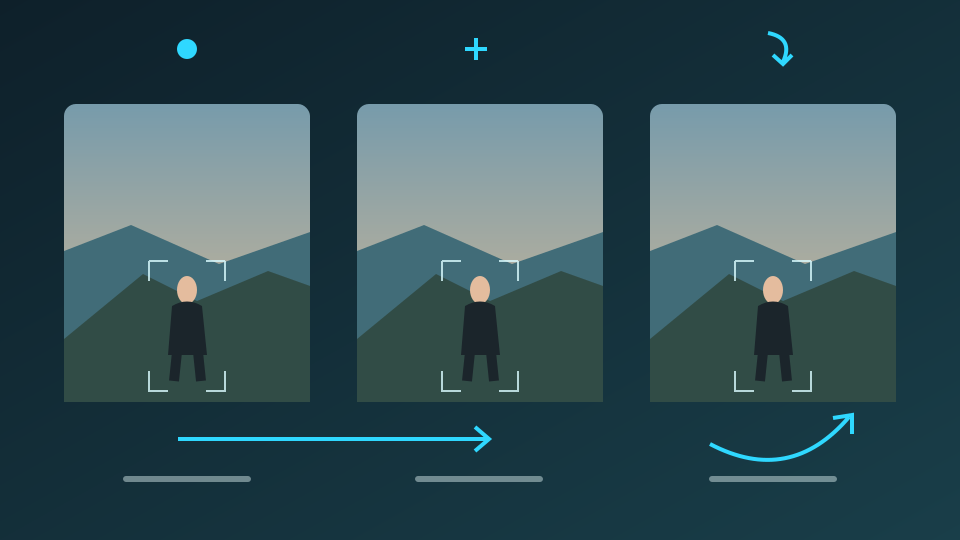
Image to video prompts: separate camera and subject motion
Build a clear motion brief from a still image, compare three camera directions and review the whole clip.
Frequently asked questions
What is Pumio?
Pumio is an AI video creation site. Turn a written prompt or a single image into a short clip, or start from a template designed for a particular effect.
Which model powers Pumio?
The first Pumio tools are built on Kling v3. Each tool and template shows the model and settings it uses.
Can I use any photo?
Only use images you own or have permission to use. See the content policy for material that is not allowed.
How long are the videos?
Pumio recipes use five-second settings. Licensed external references have their own lengths and production methods; they are separate from Pumio output.
Bring your next idea to life
Pick a template or start from a blank prompt.
Start creating