AI Hug
Bring two people in a photo together in a warm, natural hug.
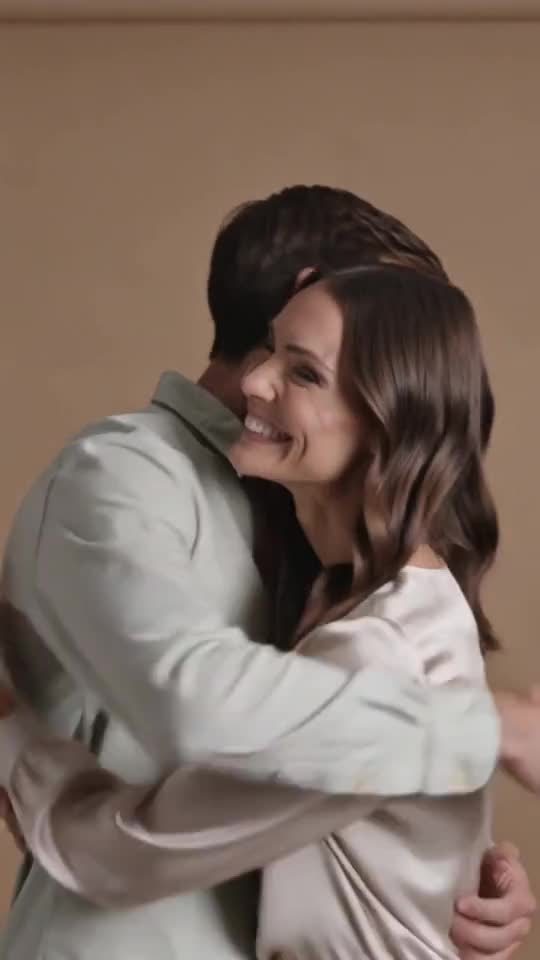
Video generation is not available on Pumio yet. Join the waitlist for a launch notification.
A hug from a single photo
AI Hug animates two people standing side by side so they turn and embrace. It is a heartfelt way to bring an old photo to life or make a short tribute video.
Try AI HugTwo people, one clear frame
Use a photo where both people are fully visible from at least the waist up, with a little space between them. Group shots with more than two people make it harder to know who should hug.
Consent comes first
Only use photos of people who are happy to be animated, and never use the template to imply a relationship that does not exist.
Try: “The two friends laugh, turn toward each other and share a long hug on the beach at sunset.”
How to make a AI Hug video
Three steps from your image to the finished clip.
Upload one photo that shows both people
Upload one photo that shows both people, ideally side by side and facing the camera.
Keep the hug prompt or describe the mood of the moment
Keep the hug prompt or describe the mood of the moment.
Generate the clip and review it before sharing
Generate the clip and review it before sharing.
Good to know
- Both people need to be visible in the same photo.
- Arms and hands can overlap awkwardly in tight crops.
- Only use photos of adults who have agreed to it.
More templates to try
Browse all templates →
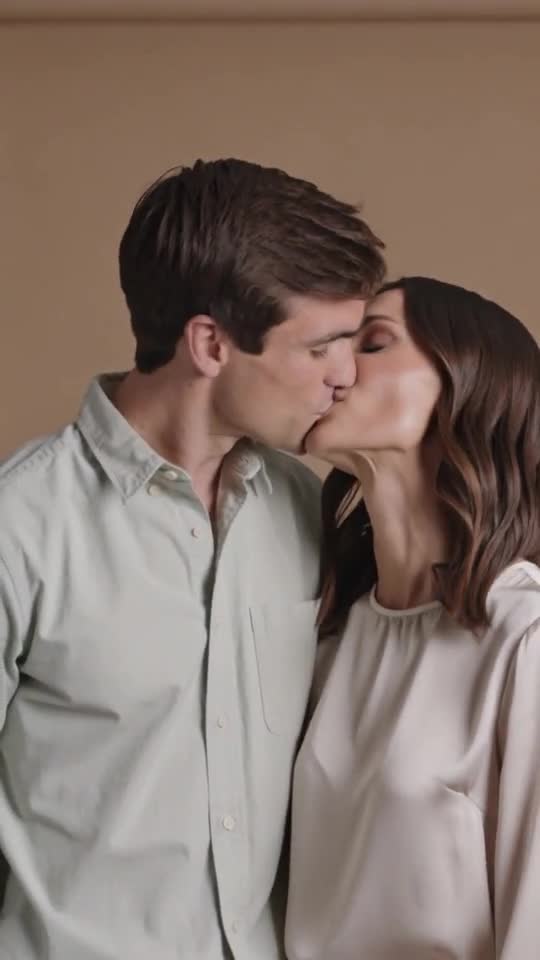
AI Hug: questions and answers
Do I need two separate photos?
No. Upload one photo that shows both people.
Can I use a photo of someone who has passed away?
Only if you have the right to use the photo, and present the clip clearly as a tribute created with AI.
Can I use it with children?
No. Hug and kiss templates are for photos of adults only.
Can I generate this on Pumio now?
Online generation is not open yet. You can preview an image locally and join the optional email waitlist for a launch notification.
Make your own AI Hug video
Upload an image and let the template do the rest.
Try AI Hug