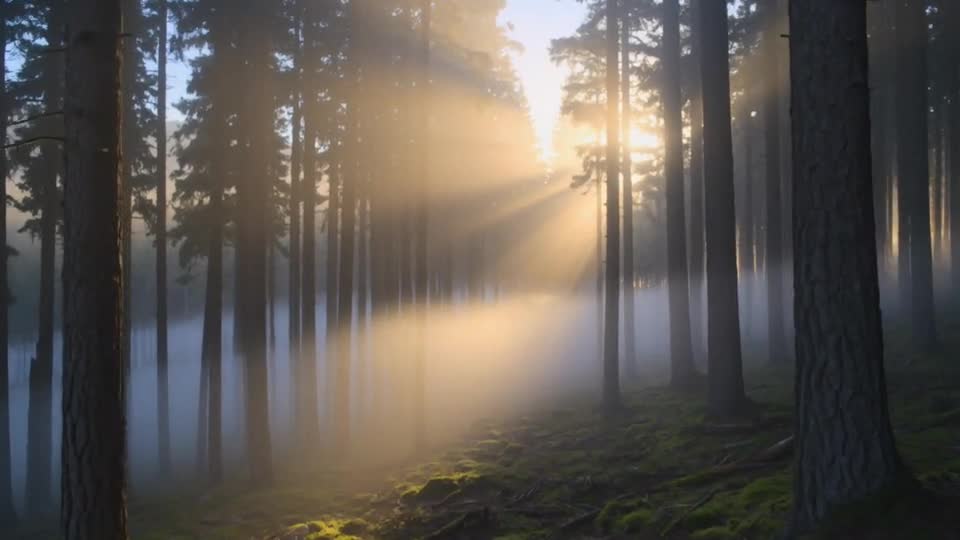
Text to Video AI
Describe a scene in a few words and turn it into a five-second video. Choose a frame shape for every platform.
Video generation is not available on Pumio yet. Join the waitlist for a launch notification.
From a sentence to a scene
Write what you want to see and Pumio turns it into a short video clip. Describe a subject, an action and a camera move, and the model handles the rest.
Text to video is the fastest way to sketch an idea, make b-roll or test a concept before you shoot it.
Try Text to Video AIGive each sentence a job
Start with what the viewer should notice. Add the setting, then one action. Finish with the camera direction and the light. Keeping competing actions out of the same shot makes the result easier to control.
Try: “A red vintage car drives along a coastal road at sunset, the camera tracking alongside at window height.”
A frame for every platform
Pick vertical 9:16 for Reels, TikTok and Shorts, widescreen 16:9 for YouTube, or square 1:1 for feeds. The prompt stays the same; only the frame changes.
How to use Text to Video AI
Describe the subject
Describe the subject, setting and one clear action.
Choose a frame shape and clip length
Choose a frame shape and clip length.
Review the result for motion
Review the result for motion, detail and continuity.
Text to Video AI: questions and answers
What makes a good prompt?
A concrete subject, one clear action and a camera direction. Describe the shot you want to see rather than a list of moods.
Which model is used?
Text to video uses Kling v3 for five-second clips.
Which frame shapes can I choose?
Vertical 9:16, widescreen 16:9 and square 1:1.
Start your first video
Describe a scene or add an image to begin.
Start creating