AI Bloom Effect
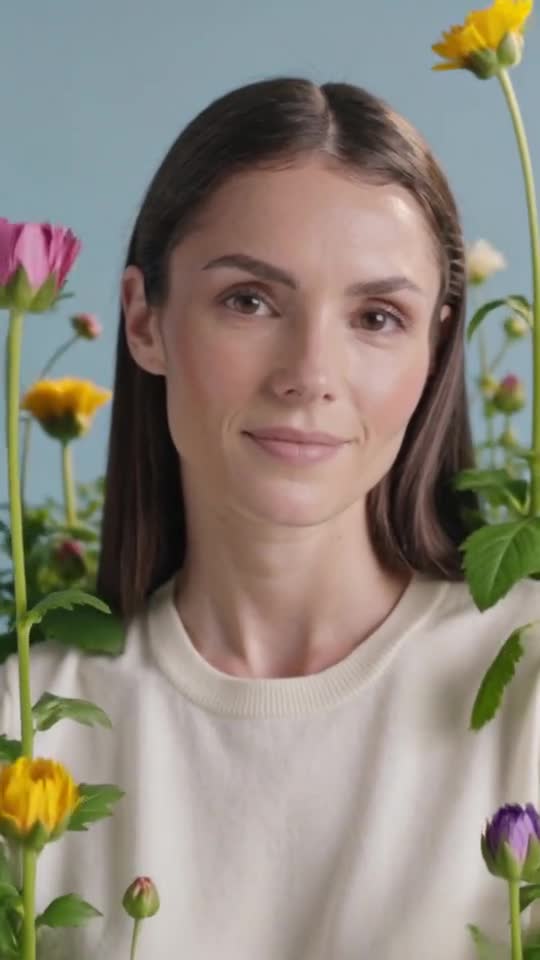
Watch flowers burst into bloom around your subject in a soft, dreamy transformation.
Video generation is not available on Pumio yet. Join the waitlist for a launch notification.
A transformation in full bloom
AI Bloom Effect fills your photo with flowers that grow and open around the subject. The result feels soft, romantic and full of color.
It works beautifully for birthdays, anniversaries, spring launches and portraits.
Try AI Bloom EffectLeave space for the flowers
A little room around the subject gives the blooms somewhere to grow. Waist-up portraits and products on a clean surface usually work better than tight close-ups.
Pick your palette
Name the flowers or the colors you want, from pale cherry blossom to bold red roses. A single palette keeps the effect elegant.
Try: “Pink peonies and white roses bloom around her, soft morning light, a slow push-in.”
How to make a AI Bloom Effect video
Three steps from your image to the finished clip.
Upload a portrait or a scene with some open space around the subject
Upload a portrait or a scene with some open space around the subject.
Choose the flowers and colors you want in the prompt
Choose the flowers and colors you want in the prompt.
Generate the clip and check the subject stays clear of the petals
Generate the clip and check the subject stays clear of the petals.
Good to know
- Petals can cross in front of faces if the frame is very tight.
- The exact flower species may vary from the prompt.
- Busy backgrounds can make the bloom harder to see.
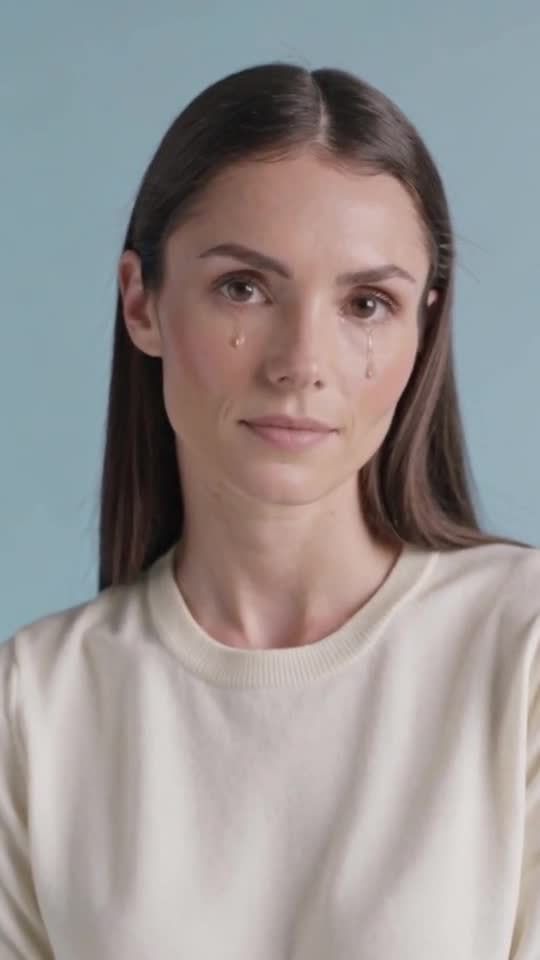
More templates to try
Browse all templates →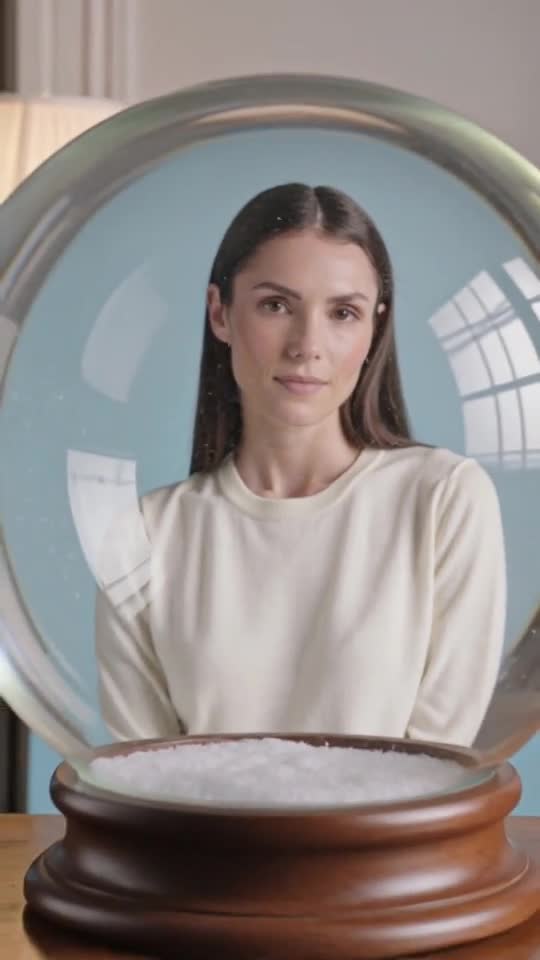
AI Bloom Effect: questions and answers
Can I choose the flowers?
Yes. Name the flowers or colors in the prompt; the model will follow the overall direction.
Does it work with products?
Yes. Bottles, boxes and jewelry look great surrounded by blooms.
Will the flowers cover the face?
Leave some space around the subject so the petals frame the face rather than cover it.
Can I generate this on Pumio now?
Online generation is not open yet. You can preview an image locally and join the optional email waitlist for a launch notification.
Make your own AI Bloom Effect video
Upload an image and let the template do the rest.
Try AI Bloom Effect